
How to create a blog post
Blogs
Ready to share your first post? Topics like "How to drop the last nap" or "Why your toddler wakes at 5am" are great places to start. Here is how to create a post.
- Go to the Sites tab, click Blogs, then click your blog's title.
- Open the Posts section. You will see a few sample posts SleepPRO™ created for you. Click the three dots and Edit to change one, or Delete to remove it.
- Click Create and fill in the popup:
- Title: the heading of your post.
- Short description: a short summary shown on your blog listing pages.
- URL path: the web address of your post.
- Image: the main photo of your post, also shown on listing pages.
- Categories: one or more categories to organize your post.
- Click Save.
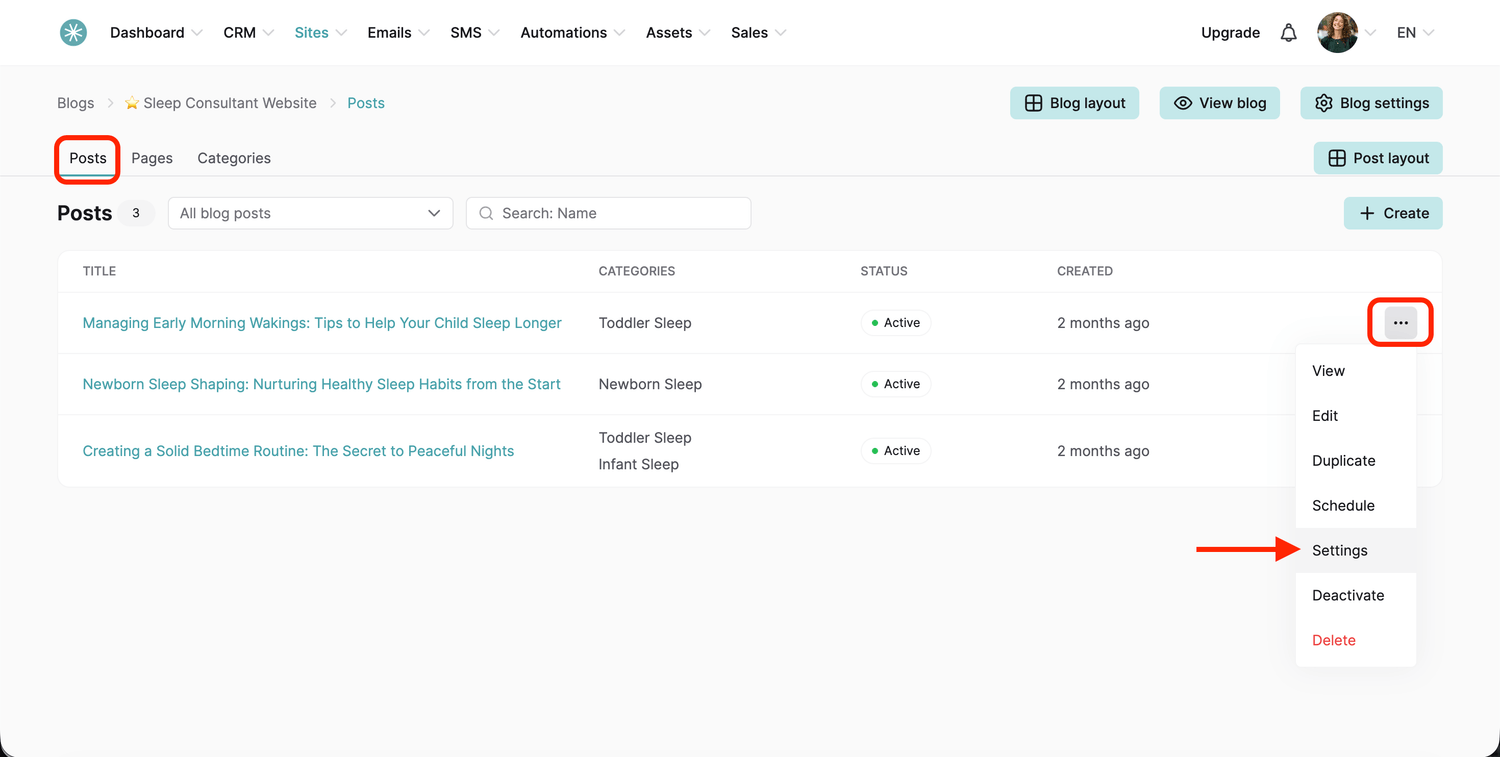
You can change these settings later. To write your post, click the three dots and choose Edit, or click the post title.
Did this answer your question?