
How to create a funnel
Funnels
A funnel is a series of pages a parent moves through, for example from your free nap guide sign-up to a thank you page, or from your sales page to checkout. Here is how to create one.
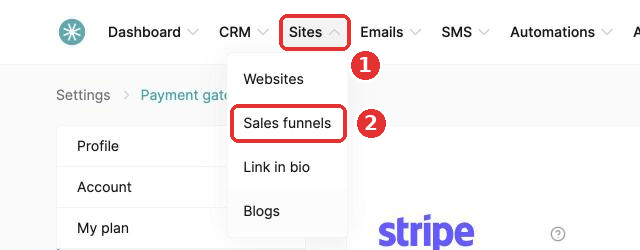
- Go to the Sites tab and click Sales funnels.
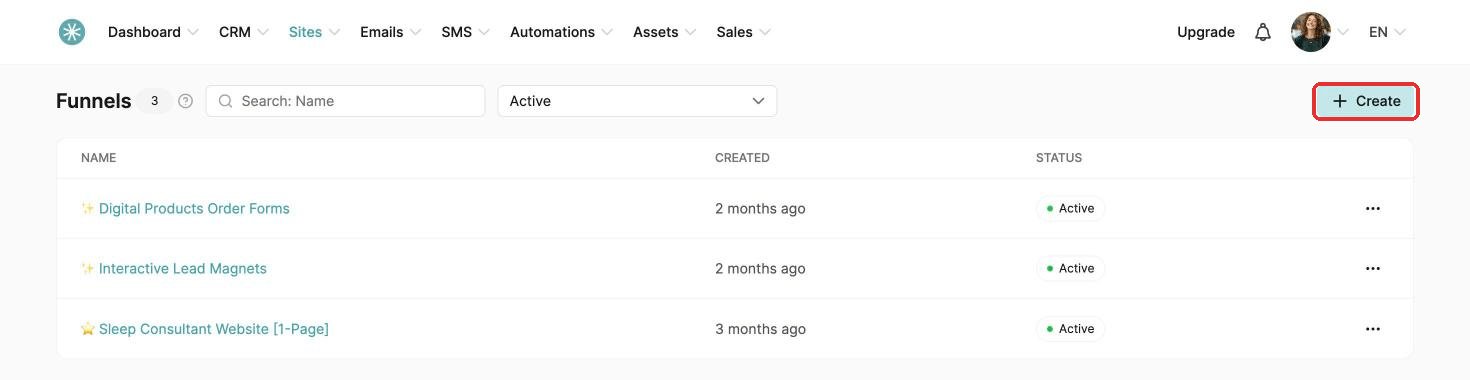
- Click Create.
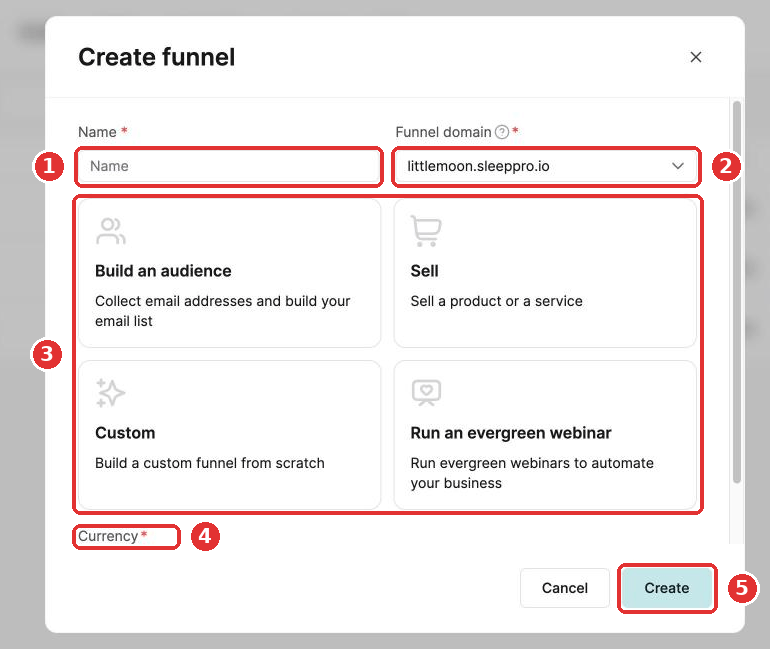
- Enter a name and choose your domain.
- Pick one of four funnel types:
- Build an audience: an opt-in page and a thank you page. Use it to grow your email list, for example with a free sleep guide.
- Sell: an order form and a thank you page. Use it to sell, for example your sleep packages or a course.
- Custom: a blank start, for when you know exactly what you want. Add pages with + Add step.
- Run an evergreen webinar: three pages built to host and sell with an evergreen webinar.
- Choose your currency and click Create.
Did this answer your question?